/ 01 — Web
Website Development
Corporate sites, e-commerce, portfolios and immersive 3D interactive web interfaces built for speed and conversion.
ExploreWe don't just build websites. We engineer high-performance digital ecosystems, intelligent automations, and premium applications designed to dominate your market.
We believe premium is engineered, not decorated. Every system we ship is built to move faster, convert harder, and feel unmistakably yours.
Six disciplines. One standard. They arrive as you do.
Corporate sites, e-commerce, portfolios and immersive 3D interactive web interfaces built for speed and conversion.
ExploreScalable web apps and native applications across Android, iOS and macOS ecosystems.
ExploreIntelligent conversational agents and custom automation solutions that handle customer interactions end-to-end.
Exploren8n pipelines, CRM automation and social media systems that quietly remove hours of manual work every week.
ExploreData-driven branding, marketing plans, social media management and growth campaigns tuned to your market.
ExploreComprehensive business plans and strategic consulting for confident digital transformation.
Explore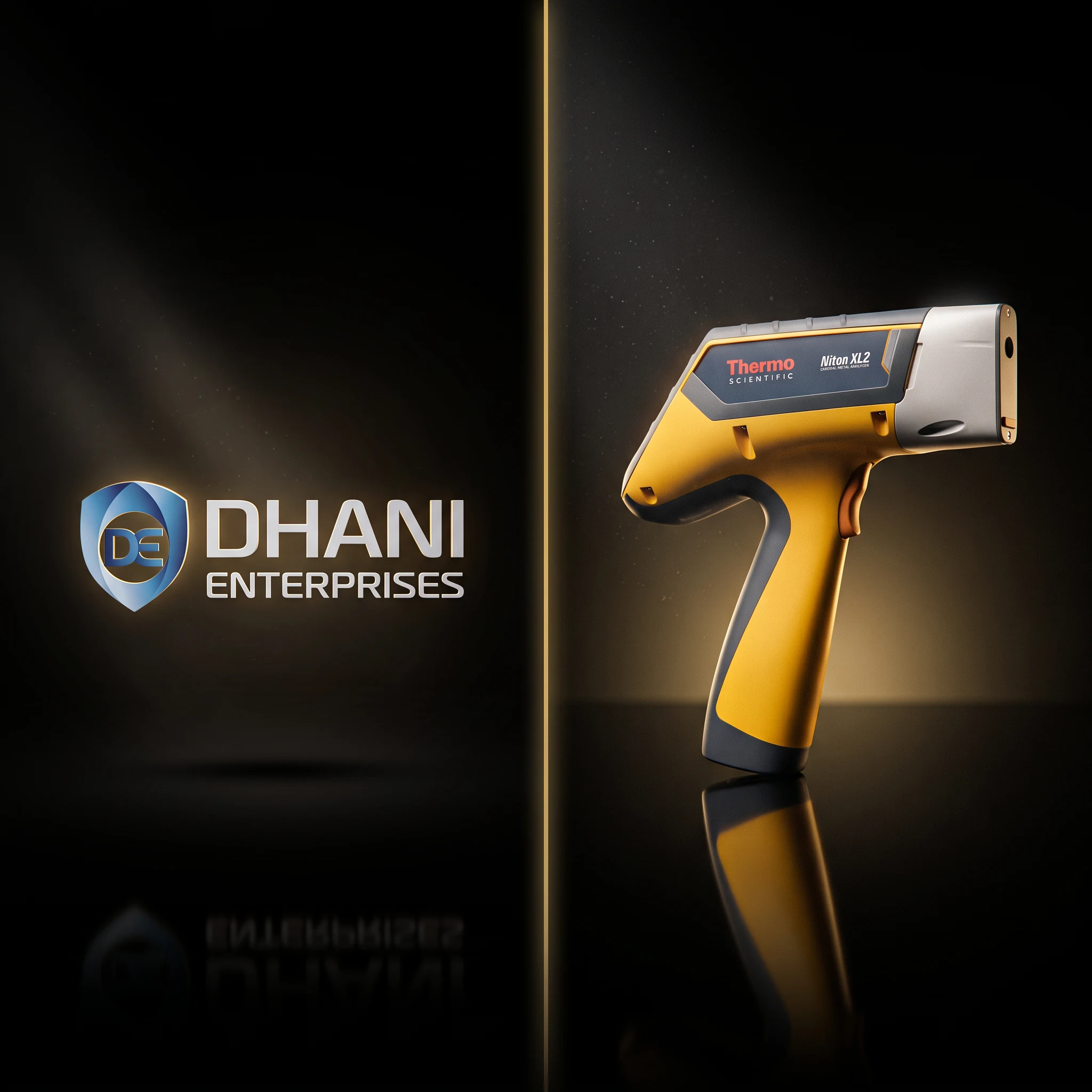 Industrial B2B
A 15-year expert in scientific instrumentation, with over 4,000 installations across India, needed a website that finally matched their standing in the industry. We built one that makes serious buyers feel like they're already talking to the right people.
Case Study Creative Portfolio
Vinita Malhotra is a model who also photographs. A photographer who also models. A portfolio website for someone like that cannot just display images. It has to hold two distinct points of view without diluting either one.
Case Study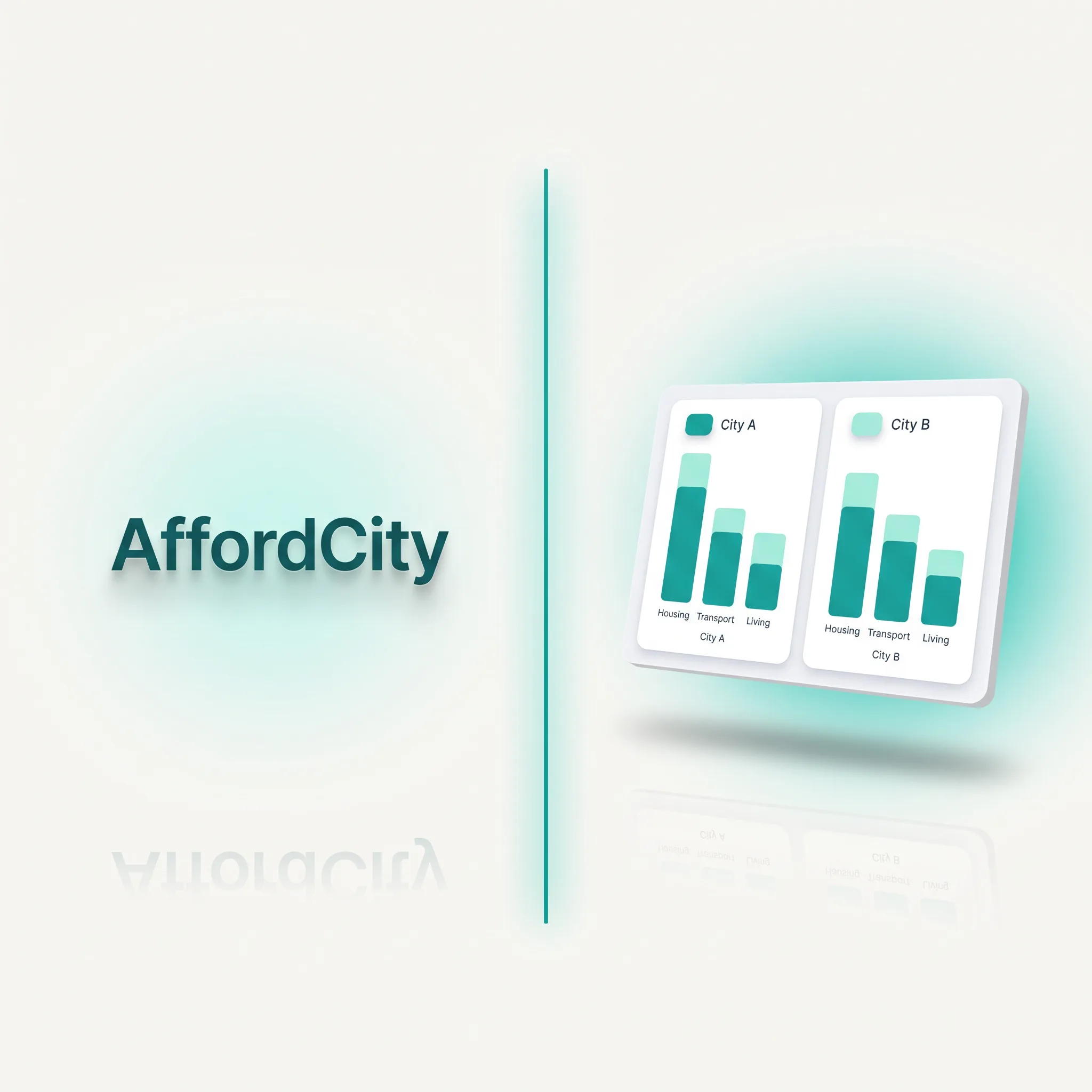 Data Tool
One of the biggest financial decisions a person makes, moving cities, was being made with a quick Google search and a guess. AffordCity was built to replace the guess with a real, honest comparison.
Case Study Web App
Students preparing for engineering exams and professionals needing quick math tools were being sent to bloated, ad-infested apps or expensive hardware. We built the alternative they actually deserved.
Case StudyFour deliberate movements. Each one compounds on the last, so nothing is left to chance between first call and launch day. Scroll fast and the numbers blur. Like the work, they sharpen when you slow down.
In-depth consultation to map your objectives, audience and market landscape before a single pixel moves.
Sophisticated user journeys and high-fidelity visual aesthetics, prototyped and pressure-tested with you.
Robust, scalable code on modern stacks. Performance budgets, accessibility and security built in from commit one.
Seamless deployment followed by rigorous monitoring, analytics and continuous optimisation.
Oniqutes understood our industry without us having to explain it twice, and the website they built finally gives us the kind of presence our 15 years in this business deserved. Every serious buyer who lands on it knows immediately they are talking to the right people.
What I loved most is that they did not try to simplify what I do, they built a space that holds all of it together without any of it feeling out of place. The site feels like me, which is the only thing I actually asked for.
The brief was simple: answer one question honestly and make it effortless to get there. They nailed it, 42 cities, four countries, no account needed, and a salary check that actually tells you the truth before you pack your bags.
We wanted a tool people would actually come back to, and Oniqutes built exactly that, clean, fast, structured for search from day one, and monetised without ruining the experience. The infrastructure is already doing the work.
Let's discuss how we can elevate your brand with sophisticated digital solutions, engineered, not assembled.